Create Stunning AI Images in Seconds
ChatGPT Images 2.0 turns any text prompt into realistic photos and creative artwork — for marketing, design, and content.
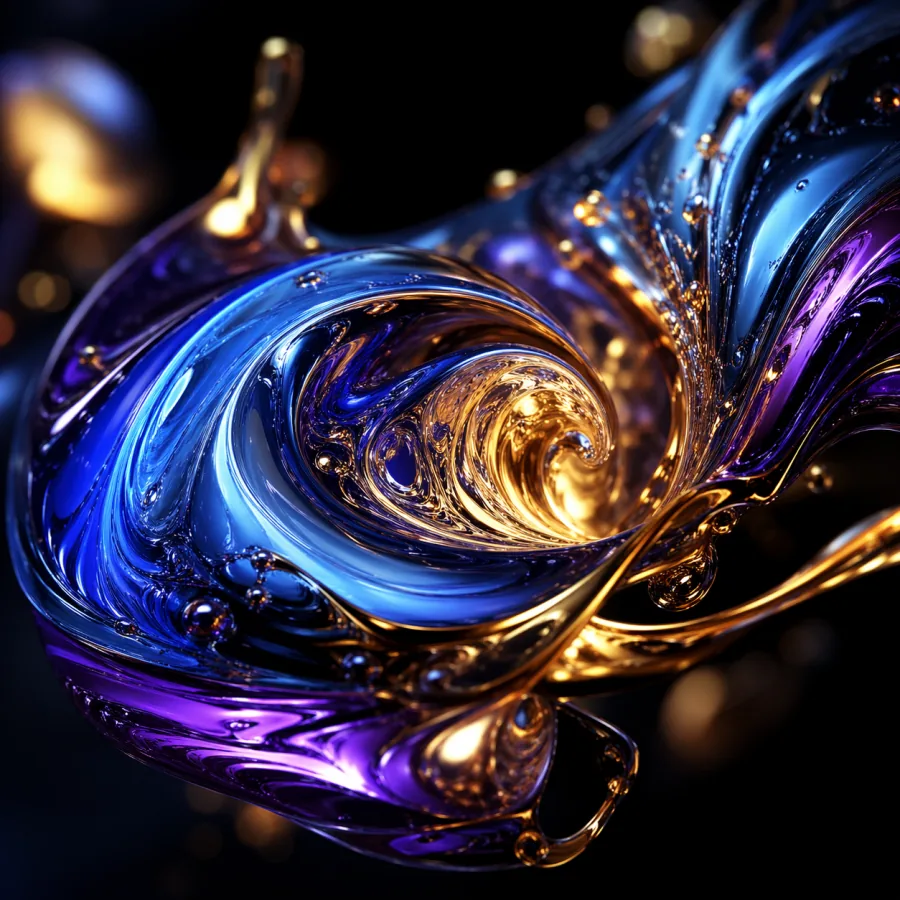
Overview
What Is ChatGPT Images 2.0?
ChatGPT Images 2.0 is the latest generation of AI image generation built for real creative work — powered by the gpt-image-2 model. Unlike earlier text-to-image tools that produce generic stock-looking outputs, ChatGPT Images 2.0 understands nuanced prompts, respects compositional intent, and delivers photorealistic detail at production resolutions up to 4K.
Whether you need a studio-quality product photograph, a social media ad creative, an editorial illustration, or concept art for a pitch deck, the model turns your words into a finished visual in seconds. Every image is yours to use commercially — no watermarks, no licensing complications, no subscription lock-in.
Built for marketers, designers, content creators, and small business owners, this tool removes the friction between an idea and the visual you need to publish. Type a prompt, pick your settings, download your image. That's the entire workflow.
What's New
What Makes ChatGPT Images 2.0 Different
Six engineering decisions that separate this AI image generator from the rest of the market.
Native 4K Resolution Output
ChatGPT Images 2.0 generates native 4K images — not upscaled approximations. Print-ready detail, sharp text edges, and accurate textures suitable for large-format campaigns and editorial use.
Text-to-Image & Image-to-Image
Start from a blank canvas with a prompt, or upload a reference image and describe how to transform it. Both modes share the same quality engine — ideal for product variations, style transfers, and concept refinement.
Every Aspect Ratio You Need
Square 1:1 for social posts, 16:9 for YouTube thumbnails, 9:16 for Reels and Stories, 4:5 for Instagram, 3:2 for print, 21:9 for cinematic banners. Choose before you generate — no cropping required.
Sub-10-Second Generation
From the moment you hit Generate, your image is ready in under 10 seconds on 1K resolution, typically 15–30 seconds at 4K. No queues, no rate limits, no waiting for someone else's job to finish.
Nuanced Prompt Understanding
The model parses long, detailed prompts correctly — including camera specifications, lighting conditions, composition rules, and style references. You can write the way a creative director briefs a photographer.
Credit-Based, No Subscription
Buy credits once — use them whenever you need. No recurring charges, no tiered access to features, no credit expiration. Every feature of the tool is unlocked for every paying user.
Gallery
See ChatGPT Images 2.0 in Action
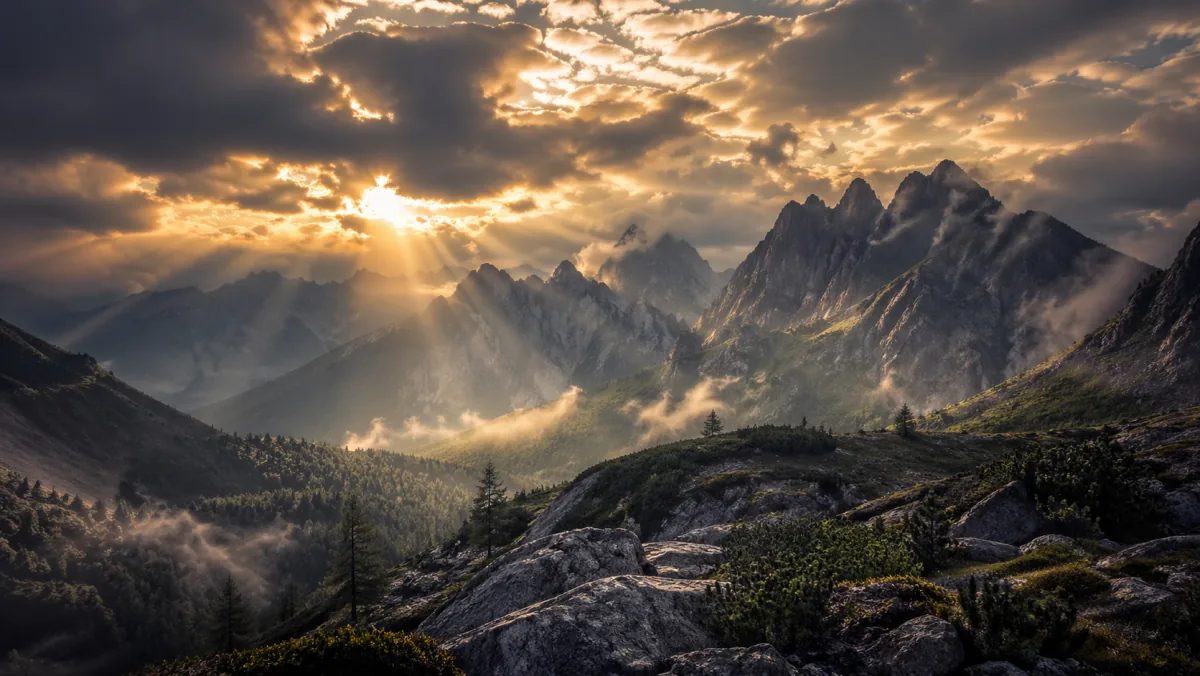
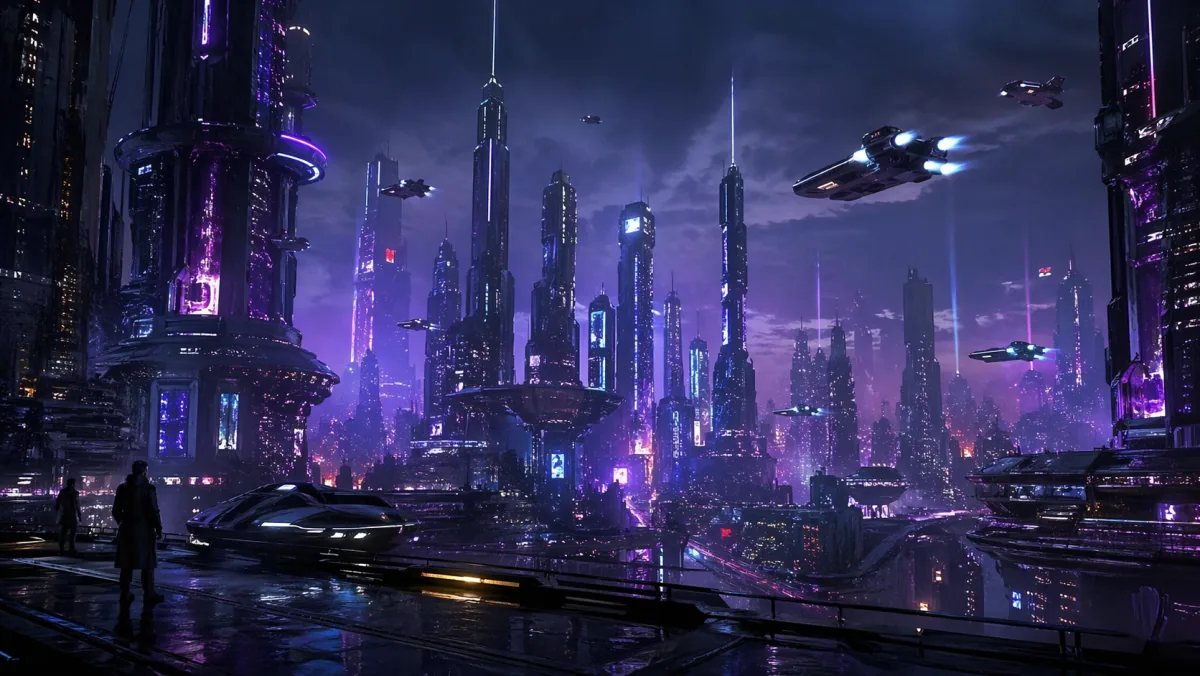
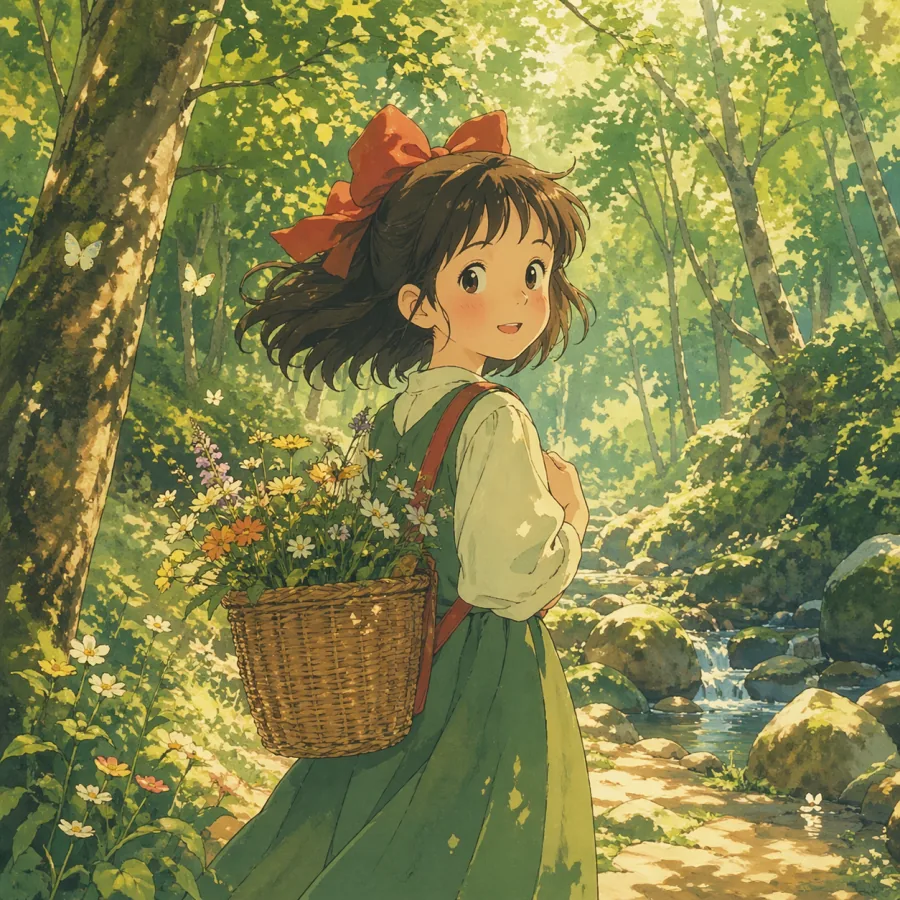
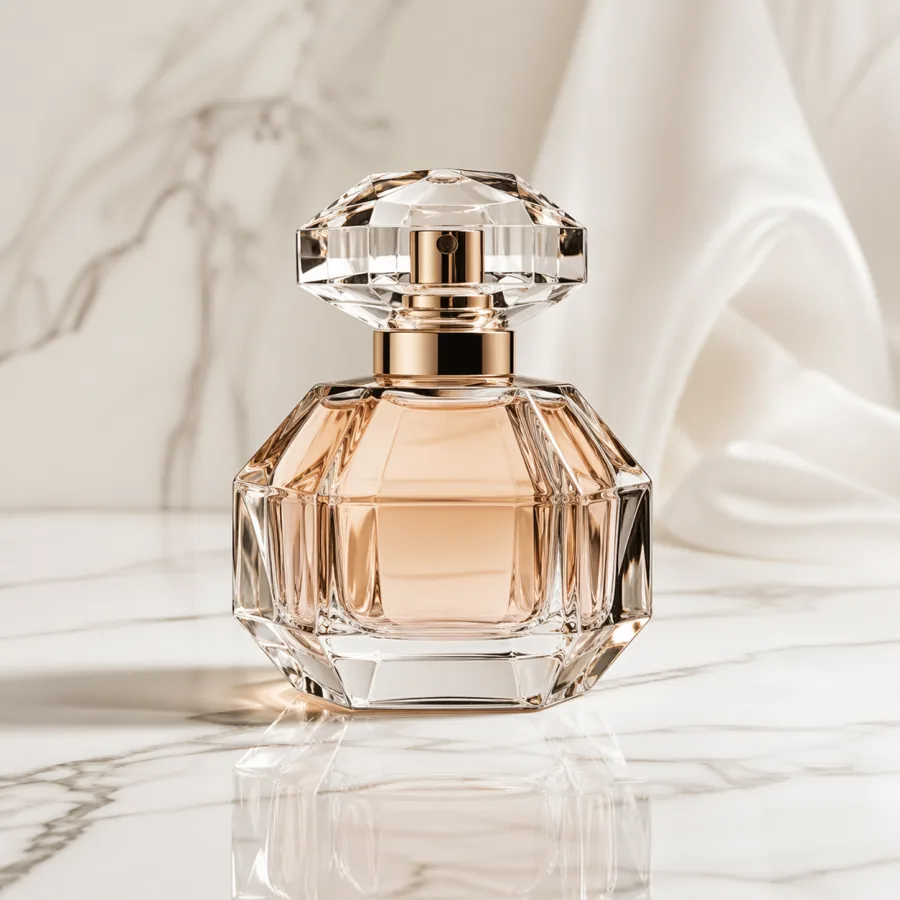
Every image below was generated directly by ChatGPT Images 2.0 from a single text prompt — no retouching, no post-processing, no external tools. These are the raw outputs.
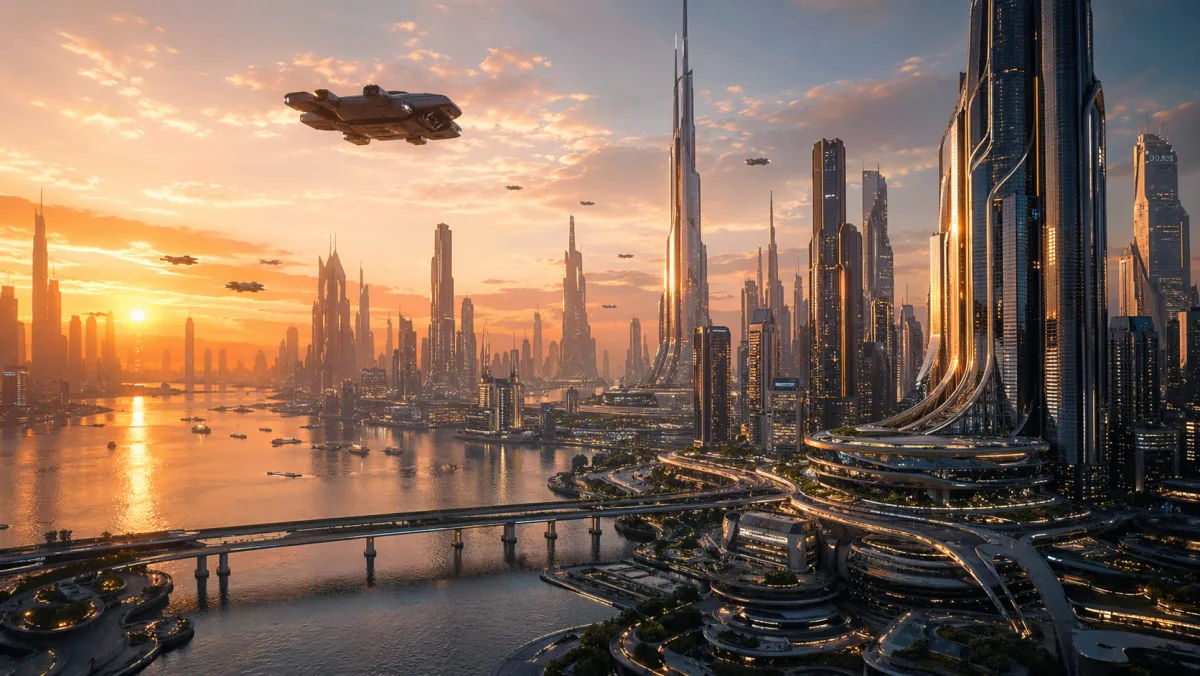
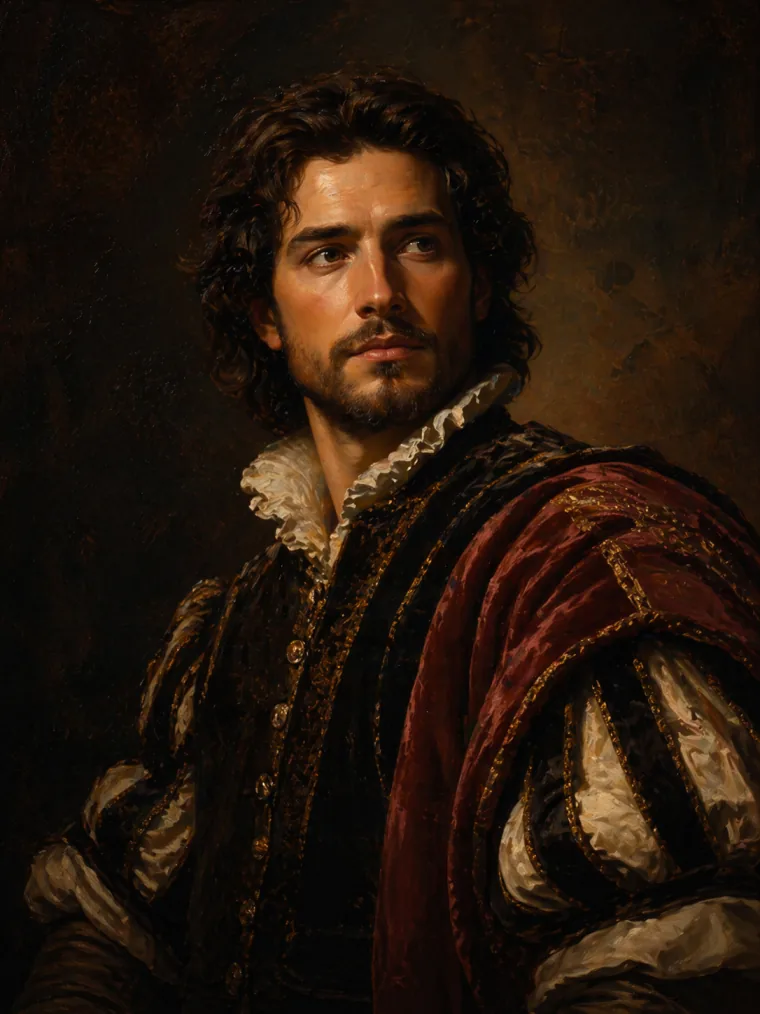
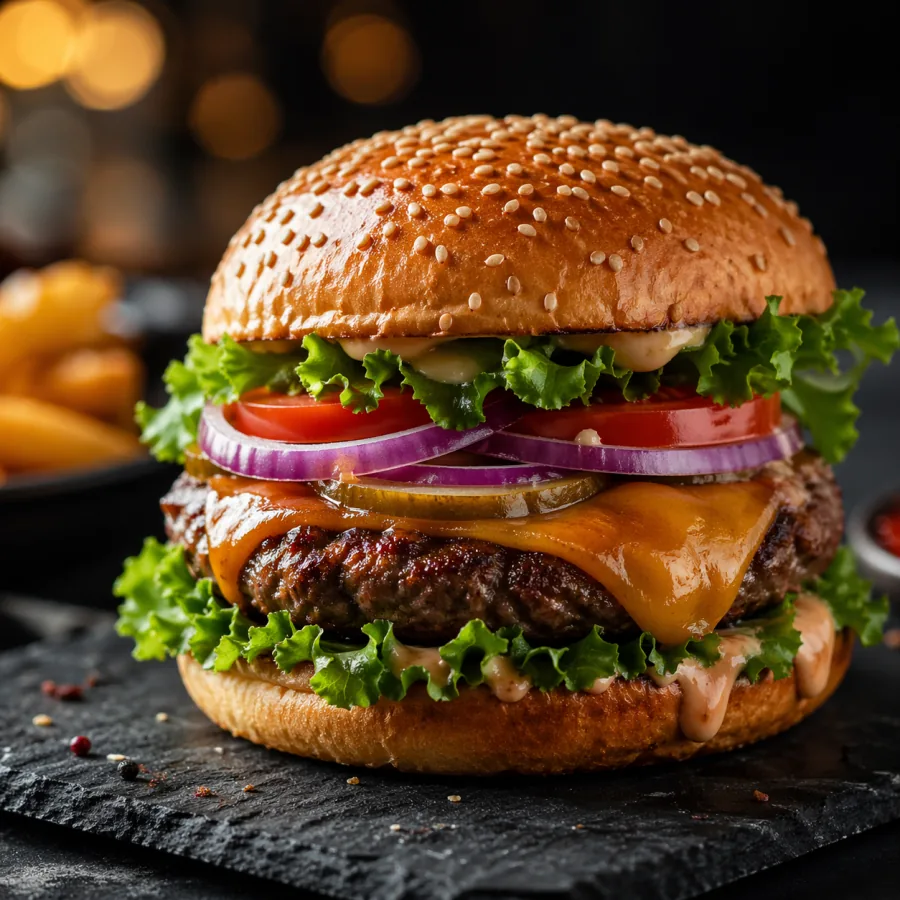
Gallery shows a sample of the styles ChatGPT Images 2.0 handles natively — photorealism, anime, oil painting, product photography, concept art, and more.
Workflow
How ChatGPT Images 2.0 Turns Text Into Images
The entire workflow is four steps — no training, no fine-tuning, no ControlNets or LoRAs required. Just describe, configure, generate, download.
Write Your Prompt or Upload a Reference
Describe the image you want in plain English. Include subject, style, lighting, mood, and camera details if you like. For image-to-image mode, upload a reference image and describe the transformation.
Set Your Output Parameters
Choose aspect ratio (1:1, 16:9, 9:16, 4:5, 3:2, or 21:9), resolution (1K for quick drafts, 2K for social posts, 4K for print and campaigns), and output format — PNG for transparency or JPEG for lighter files.
Generate with ChatGPT Images 2.0
The model produces your image in under 10 seconds at 1K resolution. Higher resolutions take a few seconds longer. If the first result isn't perfect, tweak your prompt and regenerate.
Download & Use Anywhere
Your image is yours to use — no watermarks, no attribution required, full commercial rights included. Download instantly and drop it into your campaign, post, deck, or product listing.
Audience
Who Uses ChatGPT Images 2.0 — and What For
From solo creators to in-house marketing teams, the tool fits wherever custom visuals are needed at speed. Here are six of the most common use cases we see every week.
Marketers & Advertising Teams
Marketing teams use this generator for on-brand ad creatives, social media visuals, email headers, and landing page hero images in minutes — not days. Test multiple visual directions in a single afternoon without booking a photographer or a stock photo license.
- Facebook & Instagram ads
- Email campaign headers
- Landing page visuals
Graphic & UI Designers
Designers use the tool for rapid concept exploration, mood boards, and placeholder visuals during the design phase. Generate reference imagery for client presentations and explore visual directions before committing to a direction.
- Mood boards
- Concept prototyping
- Client pitch decks
Content Creators & YouTubers
Creators use it to build standout YouTube thumbnails, podcast covers, blog illustrations, and newsletter visuals. Generate custom imagery that fits your channel's style — no more recycled stock photos everyone else is also using.
- YouTube thumbnails
- Podcast cover art
- Newsletter hero images
E-Commerce Store Owners
Independent e-commerce brands rely on the generator for product lifestyle shots, seasonal campaign visuals, and category hero banners. Generate studio-quality product imagery for a fraction of the cost of a traditional photo shoot.
- Product lifestyle shots
- Category banners
- Seasonal promos
Educators & Course Creators
Teachers and online course creators use the tool to generate diagram illustrations, slide visuals, and engaging thumbnails for lessons. Replace generic clipart with custom imagery that fits exactly the concept being taught.
- Lesson illustrations
- Course thumbnails
- Slide deck visuals
Indie Developers & Startups
Founders and solo developers lean on the generator for app store screenshots, marketing site visuals, blog post headers, and investor deck imagery. Ship a polished-looking product without hiring a designer on day one.
- App store assets
- Marketing site hero
- Pitch deck visuals
Why Choose
Why Creators Choose ChatGPT Images 2.0
Six reasons professional creators switch to this AI image generator — and stay.
Quality you can actually ship
Most AI image tools produce outputs that look almost right — skin textures that turn waxy under scrutiny, hands with six fingers, edges that fall apart at print size. This model solves the publishable-quality problem. Outputs land ready for campaigns, product pages, and editorial contexts without touch-ups.
Prompts that behave predictably
The same prompt gives you consistent results in style, mood, and composition. You can iterate on a concept — adjust lighting, swap subjects, change camera angle — without the entire image collapsing into a different style. The generator treats your prompt as a brief, not a suggestion.
Full creative control per image
Every generation lets you pick aspect ratio, resolution, and format — on a per-image basis. You're not locked into one setting for an entire session. Switch between a 9:16 Instagram Story and a 16:9 YouTube thumbnail in consecutive generations without leaving the page.
Transparent pricing that respects your budget
Three credit packs, clearly marked per-credit cost, no hidden fees, no automatic renewals, no tiered feature gates. You see exactly what you pay and exactly what you get. Credits don't expire — use them at your own pace. This is the pricing model creators actually want.
Privacy that matters
Your prompts and your generated images are private by default. The service does not use your content for model training, does not share your prompts with third parties, and does not surface your outputs in any public gallery. What you generate stays yours.
Seamless image-to-image workflow
Upload a reference image and transform it with a prompt. Refine product photography, transfer styles, iterate on concept art, or generate variations of an existing visual — all in the same interface, at the same quality as text-to-image. No model switching, no separate tools.
Comparison
How ChatGPT Images 2.0 Compares to Alternatives
A head-to-head comparison between this generator and the two common alternatives — subscription-based pro tools and free-tier generators.
Only one option ships native 4K, skips the subscription model, and includes commercial rights for every user — with no credit expiration.
Reviews
What Users Are Saying About ChatGPT Images 2.0
Thousands of marketers, designers, and content creators rely on the generator every day. Here's what they have to say about switching from their previous workflow.
“This generator replaced our stock photo subscription entirely. We produce campaign visuals in minutes, not days. The quality is genuinely impressive.”

Sarah M.
Marketing Manager
“I use it for rapid concept exploration. Being able to go from a text idea to a visual reference in seconds has completely changed how I present to clients.”

James K.
UX Designer
“The image-to-image feature is a game changer. I upload my rough sketch and get a polished version instantly. My YouTube thumbnails look professional now.”

Priya S.
Content Creator
“4K resolution output is something I didn't expect at this price point. The credit pack model is perfect — I pay for exactly what I use.”

Marco L.
Graphic Designer
“Product photography used to cost me hundreds per shoot. Now I generate studio-quality product images from a prompt for a few cents each.”

Emily R.
E-commerce Owner
Pricing
ChatGPT Images 2.0 Simple, Transparent Pricing
No subscriptions. No tiered feature gates. Buy credits once with ChatGPT Images 2.0, use them whenever you need a new image. Credits never expire.
🎁 Register now and get 12 free credits to try it out
Starter
Perfect for trying out ChatGPT Images 2.0
400 credits · $0.02475/credit
- All aspect ratios (1:1, 16:9, 9:16...)
- 1K / 2K / 4K resolution
- Image-to-image mode
- PNG & JPEG download
- No subscription — pay once
Pro
Great for regular creators
1,300 credits · $0.023/credit
- All aspect ratios (1:1, 16:9, 9:16...)
- 1K / 2K / 4K resolution
- Image-to-image mode
- PNG & JPEG download
- No subscription — pay once
Max
Best value for power users and teams
5,000 credits · $0.01998/credit
- All aspect ratios (1:1, 16:9, 9:16...)
- 1K / 2K / 4K resolution
- Image-to-image mode
- PNG & JPEG download
- No subscription — pay once
FAQ
Frequently Asked Questions About ChatGPT Images 2.0
Everything you need to know before you start using ChatGPT Images 2.0.
ChatGPT Images 2.0 is the latest generation of AI image generation powered by the gpt-image-2 model. Compared to earlier versions, it offers native 4K resolution (not upscaled), significantly improved photorealism, more reliable prompt understanding, and faster generation times — typically under 10 seconds at 1K resolution. The prompt parser also handles nuanced creative briefs more consistently, preserving your specified style, lighting, and composition across iterations. If you used an earlier text-to-image tool and gave up on it, the new model is worth another look.
Every new account receives 12 free credits on signup — enough to generate 2 images at 1K medium resolution so you can try the tool before buying a credit pack. Beyond the free credits, you purchase credit packs starting at $9.90 for 400 credits. There is no monthly subscription, no automatic renewal, and credits never expire.
Yes. Every image you generate with ChatGPT Images 2.0 is yours to use for personal and commercial projects — marketing campaigns, client deliverables, product listings, ad creatives, editorial content, and more. There are no watermarks, no attribution requirements, and no hidden licensing fees. Full commercial rights are included with every generation.
Yes. The tool includes full image-to-image mode — upload a reference image and describe how you want it transformed via a text prompt. This is ideal for style transfers, product variations, concept refinement, photo re-lighting, and iterative design work. Image-to-image uses the same quality engine as text-to-image, so outputs maintain production-grade detail.
Credit cost depends on resolution. A 1K medium image costs 6 credits, a 1K high image costs 22 credits, a 2K medium image costs 9 credits, and a 2K high image costs 33 credits. With the $29.90 Pro pack (1300 credits at $0.023 per credit), a typical 1K image costs around 14 cents. Larger packs reduce the per-credit price further.
Outputs come in PNG (for transparency support) or JPEG (for smaller file sizes). Resolutions available are 1K, 2K, and 4K — all native, not upscaled. Aspect ratios include 1:1 (square), 16:9 (widescreen), 9:16 (vertical), 4:3, 3:2, 4:5 (Instagram portrait), 5:4, 2:3, 3:4, and 21:9 (cinematic).
Good prompts combine subject, style, lighting, composition, and camera details. Example: “A luxury watch on dark marble, soft box studio lighting, macro lens, shallow depth of field, commercial product photography.” Be specific about what you want and what you don’t want. The prompt parser handles long, detailed briefs well — treat it like briefing a photographer.
No. Your prompts, uploaded reference images, and generated outputs are private by default. The service does not use your content for model training, does not share your prompts with third parties, and does not surface your generations in any public gallery. What you create stays yours.
API access is on our roadmap. For now, the service is available through the web interface with a credit-based payment model. If you have a specific integration use case in mind, reach out via support@chatgptimages.co and we can discuss access.
If you’re unsatisfied, contact support@chatgptimages.co within 7 days of purchase and we’ll review your refund request. Refunds generally apply to unused credit balances. See our full Refund Policy for complete terms.
Get Started
Ready to Create With ChatGPT Images 2.0?
Join the thousands of marketers, designers, and creators already generating production-quality visuals with ChatGPT Images 2.0. No subscription required — every new account gets 12 free credits to get started.
Describe what you want. Pick your settings. Download your image in seconds. That's the entire ChatGPT Images 2.0 workflow.